
Tattoo Maker for shaping a custom tattoo design you can actually discuss with your artist
Already know the rough subject, style or placement? Use the tattoo maker below to turn that direction into a custom tattoo design online. Start from a text brief or a reference photo, generate variations on the page, then bring the clearest one to your tattoo artist as a working reference.
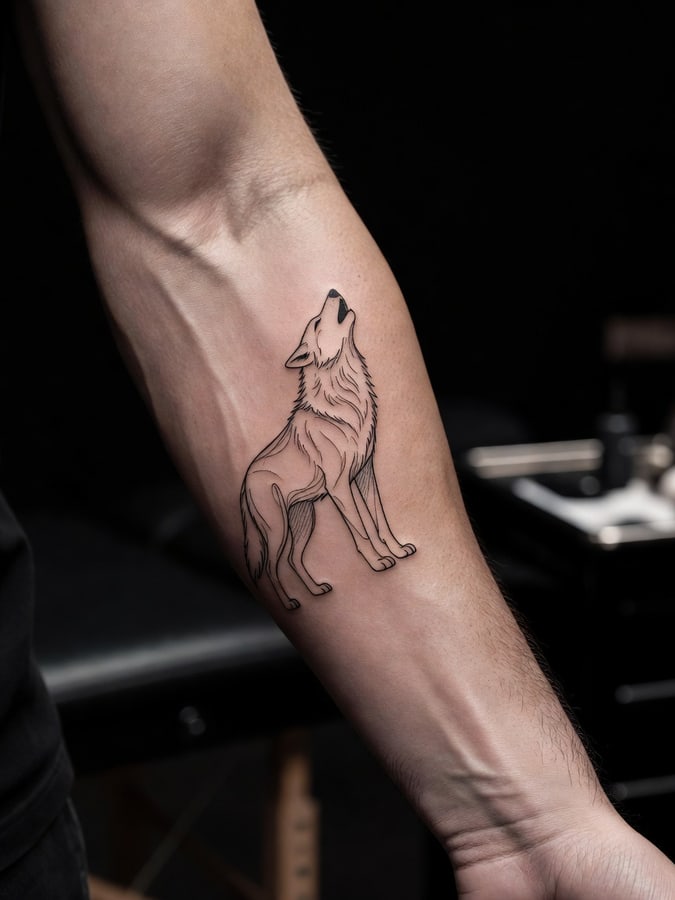 Forearm brief
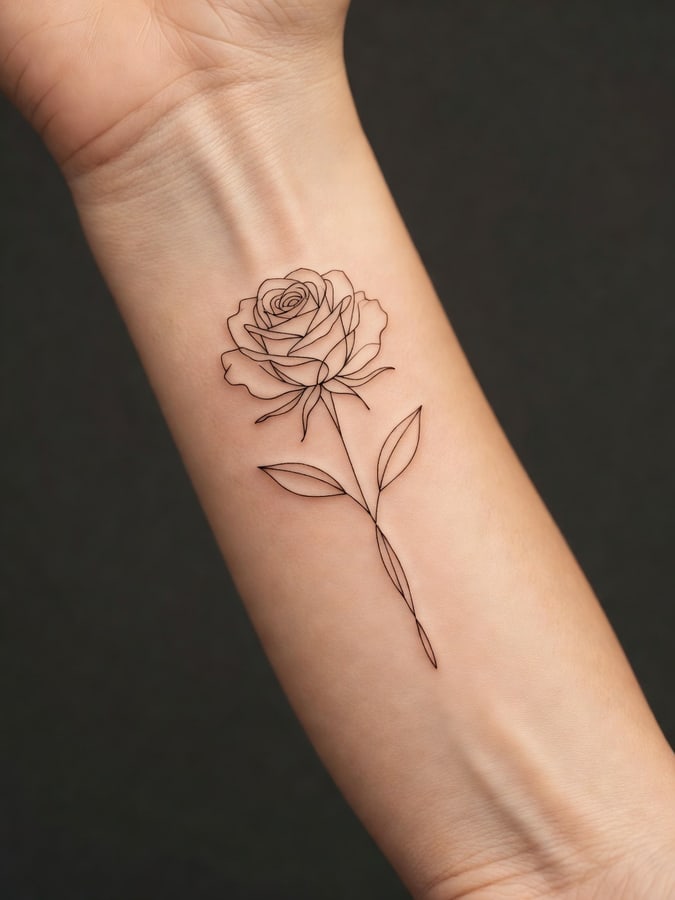 Placement aware
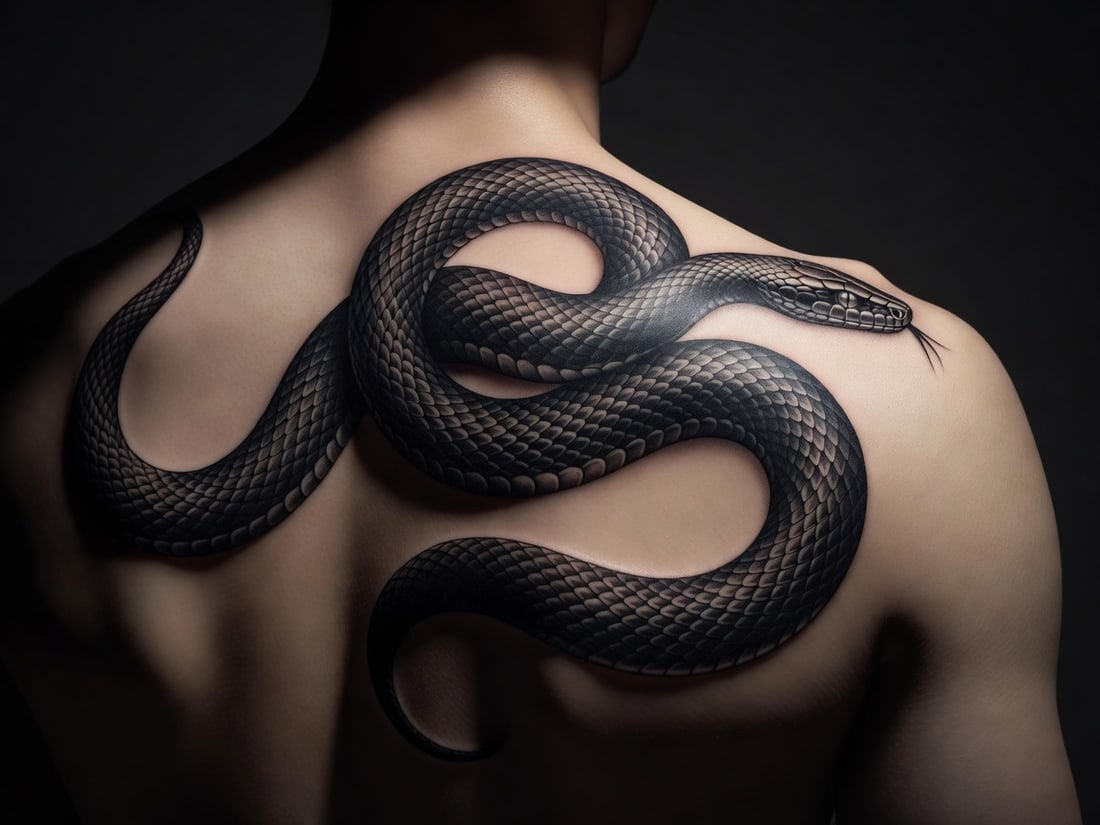 Custom design
Start with a brief that already knows what it wants
These are not random ideas. Each card is a maker-style brief that combines subject, style and placement so you can open the tool with something concrete.
Make the design on this page
Type the subject, style and placement you want, or upload a reference photo to redraw. The tattoo maker opens directly here, so there is no dead-end CTA.
Sign in to start · 5 credits per generation
Your tattoo design will appear here
Use the tattoo maker like a design brief, not a slot machine
Name the subject, style and body placement
Write the idea in plain English. The more concrete the brief, the easier it is to compare useful variants instead of random directions.
Generate a few controlled variations
Keep the concept steady while you change line weight, shading or composition. That is how a custom tattoo design starts feeling specific instead of generic.
Take the clean design to your tattoo artist
Bring the strongest result as a reference, then let your artist adapt it for anatomy, longevity and their working style.
A better tattoo maker brief has four parts
If you only type the subject, you leave too much open. Add these four details and the custom tattoo design usually gets sharper fast.
Subject and mood
Start with the object, animal, word or symbol you actually want, then add the feeling you want it to carry.
Example: a snake that feels elegant, not aggressive; a memorial rose, not a generic flower.Style and line weight
Tell the maker whether you want fine line, black and grey, old-school, geometric, minimalist or lettering.
Example: fine line with almost no shading; geometric with dotwork; bold old-school outlines.Placement and size
Where it will live on the body changes the composition. Include the body part and whether it should read small, medium or full-length.
Example: vertical forearm piece, small inner wrist, sternum-centered, spine length.What to avoid
If you already know what looks wrong, say it. The maker handles constraints better when they are explicit.
Example: no background, no heavy shading, no text, no color, keep negative space around the edges.Use the tattoo maker to make the studio conversation easier
This page is strongest when you already know the direction and want a clearer reference before you book or before your consult.
Generate a few variants on the same idea
Keep the subject and placement stable, then compare style, density and symmetry. You are not shopping for random ideas here; you are refining one direction until it looks like yours.
Bring one clean reference, plus notes
Take the strongest design to your tattoo artist together with size, placement and any edits you still want. It works best as a precise reference, not as a replacement for the artist.
Let the artist adapt it to skin
Your artist may still adjust spacing, line weight or placement for anatomy and longevity. The goal of the tattoo maker is to make that conversation faster and clearer.
Need ideas first, or want the broader generator view?
Tattoo Maker is one path. The site also has a discovery page for browsing ideas and a broader generator page for the core product overview.
Tattoo Idea Generator
Use this when you are still deciding on the subject, body part or mood and need inspiration before making a custom tattoo design.
Browse tattoo ideas ->AI Tattoo Generator
Go here for the main gallery, the broad product overview and the original landing page around the core generator experience.
See the main generator page ->Pricing and credits
Check credit packs before you generate, especially if you want to run several variations of the same tattoo design brief.
Review pricing ->Cover Up Tattoo Generator
Already have a tattoo you want to replace or blend into something new? Use the dedicated cover-up page.
Explore cover-up directions ->Before uploading reference photos or buying credits, review Privacy, Terms and Refund.